DataMaxx Tech Support - The Best Drag Racing Data Logger Tech Support In The Industry
DataMaxx Tech Support Setup - The Best Drag Racing Data Logger Tech Support In The Industry
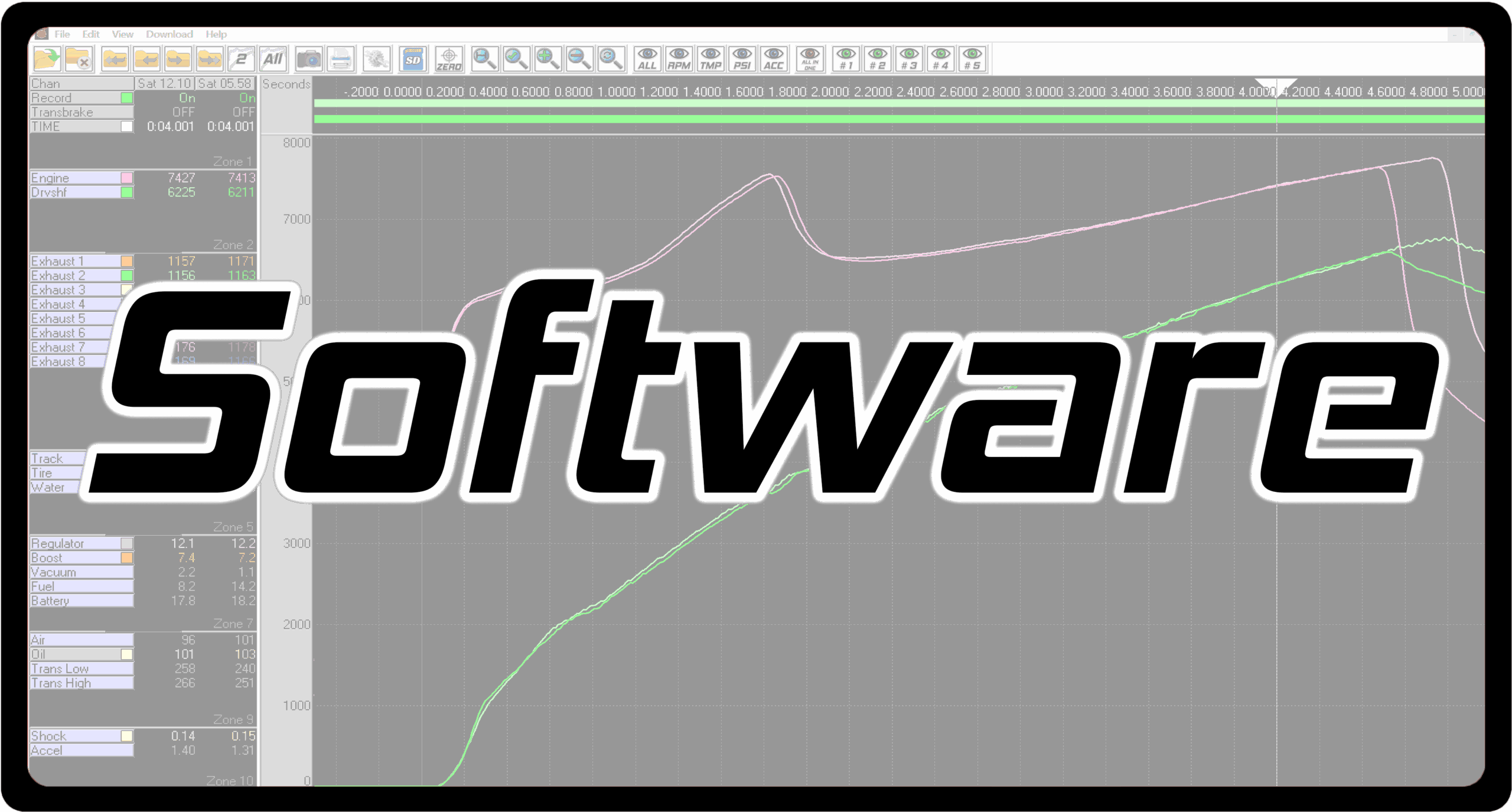
DataMaxx Tech Support Software- The Best Drag Racing Data Logger Tech Support In The Industry
DataMaxx Tech Support Dash- The Best Drag Racing Data Logger Tech Support In The Industry
Video Tech Support

We have found that seeing is believing and that it is much easier to convey information in a video format than it is with written word. So for that reason, the majority of our tech support is in video format, typically under 3 minutes or less.

With our vast video tech support library it is easy to find the topic you are looking for and learn what you need as quickly as possible. Either click on one of the categories above or scroll down until you find the video you are looking for. If you don’t see a video that covers the topic you want, Submit a Tech Support Video or call our personal tech support below.

Tech Support By Matt Parlett
Personal Tech Support

If you have gone through our video tutorial library and still can’t find the answer you are looking for, feel free to reach out to our world class tech support team. As racers ourselves we understand that you don’t race Monday through Friday 9-5, so we try to make ourselves available in the evening and weekends as well. Text message is typically the best way to get a quick response.

Our tech support team is headed up by Matt Parlett who drives a blown Top Dragster in PDRA, WDRA & NHRA events including many of the big money bracket racing series on the east coast. Competing in the most challenging classes and racing in bracket racing gives Matt a sharp understanding of the sport and what is needed to compete at the highest level.

Phone

301-884-5718

Text

301-481-3675

Email

tech@computech.com
Setup YouTube Links

Before You Purchase
Comparing The Kits
Installation Overview
Installing The Modules

Installing The Sensors
Running The Wires
Terminating The Wires
Installing The Software

Initial Calibration
Modifying A Sensor
Adding  A Sensor
Factory Reset

Software YouTube Links

Download & Install Program
Downloading A Logfile & SD Setup
Opening Logfiles & Navigating Runs
Zeroing Logfiles
Overlaying Runs

Screenshot Feature
Printing A Graph
Emailing A Graph & Logfile
Zooming & Shortcut Keys
Organizing Your Zones

Default & Custom Views
Filters & Smoothing
All In One View
Can’t Find a Sensor On Laptop

Dash YouTube Links

Initial Dash Setup & Connection
Editing A Gauge & Options
Creating a New Gauge & Page

Min, Max & Target Areas
Setting Up Warning Lights
Warm Up vs Launch Pages

Day/Night & Brightness

DATAMAXX FAQ

/// DATAMAXX FREQUENTLY ASKED QUESTIONS

I have a technical question, who do I call?

You can reach Matt via our Evening & Weekend Tech Support Line by phone at 301-884-5718.

Do I need the DataMaxx Main Module to run the LCD Dash?

Yes, the Main Module is the heart and brain of the DataMaxx system and is also the primary place for making power, ground and sensor connections. You can however run the Main Module without the LCD.

What is the difference between analog and digital signals?

Analog sensors are going to output a voltage between 0v to 5v and the DataMaxx then applies a specific meaning to that voltage based on the sensors calibration. A digital or RPM signal is a frequency based signal that will measure how often an event occurs per minute.

Analog Sensors include pressure, temperature, shock, accelerometer and oxygen sensors.
Digital Sensors include Engine RPM, Drive Shaft & Input Shaft RPM, Flow Meter, & switch on/off events.

Can I buy a new SD card anywhere?

No, we only recommend purchasing SD cards through Computech. The DataMaxx system needs an extremely fast SD card to write those thousands of samples per second instantly to the SD card and also needs a file structure under 2 Gb. Approved SD cards should have a Computech DataMaxx decal on them.

If I use a new SD card, do I have to calibrate it?

No, simply re-format the card with our SD Card Formatter Program and you are good to go. Your calibration information is actually stored in your DataMaxx Modules themselves. When you start a recording, the Main Module will actually write a copy of your calibration at the beginning of the logfile. This way, you can use any sd card or any computer to correctly download.

How many SD cards can be used at one time?

There can only be one SD card in the DataMaxx system at a time. If you place more than one the system will not know which one to record to and may fail to record properly.

Why is my LCD Display showing all characters?

Occasionally your LCD Module’s contrast level setting can get changed to the maximum value making your screen show all 8’s. To resolve this, turn power off and then back on. Then press Menu, Menu, Play, Menu, Menu, Menu and then hold down Play until the contrast level is back to zero.

Why does it say "No Logfile Found" when I already recorded one?

If you have recorded a logfile correctly yet the DataMaxx software cannot find it, you may just need to go to Download and then Run SD Card Setup wizard.

Why does my DataMaxx software say "Missing .ini File"?

If your software is missing the .ini file, simply uninstall the program and re-install the latest version from our website above. Uninstalling the software will NOT delete your log files or calibration and nothing needs to be done after re-installing for the system to work correctly.

STILL HAVE A QUESTION?

/// REACH OUT TO OUR TECH SUPPORT TEAM

Phone

301-884-5718

Text

301-481-3675

Email

tech@computech.com